



The Top 10+ ChatGPT Alternatives You Can Try in 2026 – The AI chatbot landscape has exploded beyond ChatGPT.
While OpenAI’s flagship remains incredibly popular, especially with the current GPT-5 and its variants the market now offers specialized alternatives that excel in specific areas—from real-time web search to privacy-focused open-source options, coding powerhouses to enterprise-ready assistants.
Whether you’re seeking better research capabilities, multilingual support, or simply more budget-friendly pricing, you’ll find compelling ChatGPT alternatives that might actually work better for your specific needs.
In this comprehensive guide, we’ll explore 11+ powerful ChatGPT alternatives currently available in 2026, breaking down their unique features, pricing structures, and ideal use cases.
Key Takeaways
Hide- Google Gemini excels at search-powered research with Deep Research capabilities and a massive 1M-token context window for analyzing entire books or codebases
- Claude 4.5 Sonnet leads in coding and technical tasks with sophisticated multi-file reasoning and precise debugging capabilities
- Perplexity solves the citation problem by providing source-attributed answers, making it ideal for research and fact-checking
- Microsoft Copilot integrates seamlessly into productivity workflows with visual answers and file handling across Microsoft 365 applications
- HuggingChat offers complete transparency and self-hosting for privacy-conscious users who need full control over their data
- Budget-friendly options like Z.ai Chat (free) and T3 Chat ($8/month unlimited) provide capable AI assistance without premium pricing
- Specialized alternatives outperform general-purpose ChatGPT in specific domains—from Grok's real-time social intelligence to DeepSeek's research-grade reasoning
We’ve tested each platform to help you make an informed decision about which AI assistant deserves a spot in your digital toolkit.
10+ ChatGPT Competitors: Top AI Chatbots for Research, Coding & More
ChatGPT revolutionized conversational AI, but it’s not always the perfect solution for every situation.
Some alternatives offer real-time web access that ChatGPT lacks in certain tiers, while others provide transparent source citations for research-heavy tasks.
Privacy-conscious users appreciate open-source options that allow self-hosting, and developers often need specialized coding assistants with deeper technical capabilities.
Cost matters too—several alternatives offer comparable performance at lower price points or with more generous free tiers.
The Best 10+ Vibe Coding Tools in 2026
Summarize with: ChatGPT Grok Perplexity Claude From Cursor to Claude Code: Complete Guide to AI ... Read More
The competitive landscape has pushed innovation forward, creating specialized tools optimized for specific workflows rather than trying to be everything to everyone.
1. Google Gemini: The Search-Powered AI Assistant
Google Gemini leverages Google’s massive search infrastructure to deliver grounded, accurate responses to complex questions.
Unlike isolated AI models, Gemini taps directly into Google Search, providing current information with the context and depth you’d expect from the world’s leading search engine.
The platform’s standout feature is Deep Research, which automatically sifts through hundreds of sources, analyzes findings, and compiles comprehensive reports in minutes—a game-changer for students, journalists, and business professionals.
Gemini AI API: Testing Gemini AI Models with Streamlit
Summarize with: ChatGPT Grok Perplexity Claude Gemini is Google’s most capable and general AI ... Read More
You can also create custom AI specialists called Gems by saving detailed instructions and attaching relevant files, essentially building your own persistent expert assistants for coaching, brainstorming, or technical help.
What Makes Gemini Different
Gemini’s multimodal capabilities extend beyond text.
The platform now includes Veo 3 and Veo 3.1, Google’s latest video generation technology that transforms text prompts into high-quality 8-second videos.
The Nano Banana image model lets you explore various artistic styles—from anime to oil painting—generating logo concepts and visual content in seconds.
Gemini Live offers voice-first conversations that feel remarkably natural.
You can brainstorm ideas, practice job interviews, or discuss uploaded files and photos in real time, making it particularly valuable for auditory learners and multitaskers.
Integration and Context Understanding
Where Gemini truly shines is its integration across Google’s ecosystem.
It connects seamlessly with Gmail, Google Calendar, Google Maps, YouTube, and Google Photos, allowing you to set alarms, control music, make calls, and manage your digital life through conversational commands.
The 1M-token context window in Gemini Pro means you can analyze entire books, 1,500-page documents, or approximately 30,000 lines of code at once—essential for researchers, legal professionals, and developers working with extensive documentation.
Pricing: Free tier available; Pro and Ultra plans unlock advanced features, higher model access, and more video generation credits.
2. Microsoft Copilot: Enterprise-Ready AI Productivity
Microsoft Copilot delivers AI assistance directly in your browser and throughout Microsoft’s application ecosystem.
Built on GPT-5 technology through Microsoft’s partnership with OpenAI, Copilot excels at practical productivity tasks with a focus on visual, file-based interactions.
The platform’s visual answers stand out—you get web-grounded results enhanced with images, videos, and rich cards for everything from sports scores to restaurant recommendations and weather forecasts.
This visual-first approach makes information more digestible and actionable than pure text responses.
File Handling and Response Modes
Copilot’s file upload capability supports PDFs, Word documents, and spreadsheets, providing instant summaries and explanations.
This feature proves invaluable when you need to quickly extract insights from lengthy reports or understand complex datasets without manual analysis.
You can choose between quick answers for straightforward queries or Think Deeper mode when you need additional context, multiple perspectives, and more nuanced analysis.
The voice input and read-aloud features work across 50+ languages, making it accessible for global teams and language learners.
Educational and Creative Tools
The quiz generation feature integrates with Microsoft Forms, allowing educators and trainers to create assessments conversationally and share them for real-time results.
Copilot can also generate personalized podcasts on topics you care about—an innovative approach to consuming information during commutes or workouts.
App connectivity extends to both Google and Microsoft ecosystems when extensions are enabled, pulling content from Google Drive, Gmail, and Docs alongside OneDrive and Outlook.
Pricing: Included in Microsoft 365 subscriptions; standalone Pro plans available.
3. Grok Chat: Real-Time Social Intelligence
Grok Chat brings something genuinely different to the AI assistant space—direct access to real-time X (Twitter) data combined with an intentionally witty, irreverent personality.
Powered by xAI’s Grok-4 model, it’s designed for users who want both current trending information and a conversational partner with attitude.
The platform’s integration with X means you get immediate access to breaking news, trending discussions, and social sentiment that other AI models won’t see until their next training update.
This makes Grok particularly valuable for journalists, marketers, social media managers, and anyone tracking public discourse.
Reasoning Modes and Multimodal Features
Think and DeepSearch modes tackle tougher reasoning tasks that require multi-step analysis and deeper context.
While not as research-focused as Google’s Deep Research, these modes provide more thorough responses when quick answers won’t suffice.
The multimodal capabilities include image generation and a short image-to-video tool called “Imagine,” allowing creative experimentation without switching platforms.
The optional AI companions add personality-driven interactions that some users find engaging while others might consider gimmicky.
Pricing: Available with X Premium+ subscription.
4. Claude 4.5 Sonnet: The Coding and Reasoning Specialist

Claude 4.5 Sonnet from Anthropic represents the cutting edge of AI for technical tasks, particularly coding, debugging, and complex reasoning workflows.
It’s built specifically for professionals who need precision, reliability, and the ability to handle multi-file projects with numerous dependencies.
The model’s multi-file reasoning capability sets it apart from general-purpose chatbots.
Getting Started with Anthropic Claude API: A Practical Guide
Summarize with: ChatGPT Grok Perplexity Claude Introduction to Anthropic Claude API – The ... Read More
Claude can navigate entire codebases, understand relationships between different components, and suggest refactoring that maintains consistency across your project—capabilities that developer-focused engineers will immediately appreciate.
Technical Excellence and Long-Context Work
Claude excels at mathematical, analytical, and technical tasks that require both computational accuracy and logical reasoning.
Its performance on coding benchmarks consistently ranks among the top models, making it a favorite in software development teams and data science departments.
The platform supports long, multi-step workflows with robust tool and agent support, allowing you to automate complex processes that would typically require human oversight at multiple stages.
This makes Claude particularly valuable for data analysis pipelines, automated reporting, and systematic research projects.
Enterprise Integration
API and enterprise integration comes with competitive pricing structures designed for production use.
Organizations can embed Claude’s capabilities into their own products and services, with usage-based pricing that scales according to actual consumption.
Pricing: API access at approximately $3 per million input tokens and $15 per million output tokens; limited free demo available.
5. Perplexity: The Citation-First Research Engine
Perplexity AI addresses one of ChatGPT’s most significant limitations—the lack of source attribution.
Designed as an AI-powered search engine and conversational assistant, Perplexity provides direct answers while simultaneously citing and linking to its sources, making it invaluable for research, fact-checking, and academic work.
The platform’s minimalist interface requires no account creation for basic use, lowering the barrier to entry for casual users who want quick, verified answers without commitment.
- GPT-5 API Testing: Building GPT-5 API Testing Dashboard with Streamlit
- OpenAI GPT-4.1: Build a Streamlit App to Test OpenAI’s GPT-4.1 Models
- Getting Started with GPT-4.5: Testing the GPT-4.5 API
- Getting Started with kluster.ai for Scalable AI
- 60+ Best Free API for Testing and Building Projects
- Create an AI-Driven SEO Content Brief Tool Using SerpApi, OpenAI, Groq, and OpenRouter
Responses automatically include inline citations that let you verify information and explore topics more deeply through original sources.
Pro Features and Copilot Assistant
The Pro version powered by GPT-5 and Claude Sonnet 4 includes unlimited Research mode, which conducts more thorough investigations across multiple sources before synthesizing answers.
This mode proves essential when tackling complex topics that require nuanced understanding from diverse perspectives.
Copilot, the interactive search assistant available in premium subscriptions, asks clarifying questions before searching—ensuring you get precisely the information you need rather than generic responses to ambiguous queries.
This guided approach reduces iteration time and improves answer relevance.
File and Image Support
Pro subscribers can upload files and images for analysis, expanding Perplexity’s utility beyond pure web search.
You can upload research papers for summarization, images for identification and context, or datasets for initial analysis.
Pricing: Free tier with basic search; Pro at $20/month unlocks unlimited advanced features.
6. HuggingChat: Open-Source Freedom and Customization
HuggingChat stands out as the transparent, open-source alternative for developers, researchers, and privacy-conscious organizations.
Built by Hugging Face on models like OpenAssistant’s LLaMA-based architecture, HuggingChat offers complete access to code and model architecture—enabling customization that proprietary solutions simply can’t match.
The platform’s self-hosting capability means sensitive data never leaves your infrastructure.
Organizations handling confidential information, healthcare data, or proprietary business intelligence can deploy HuggingChat on their own servers with full control over data privacy and security.
Customization and Fine-Tuning
Developers can fine-tune HuggingChat using their own datasets, creating industry-specific assistants optimized for specialized terminology, workflows, and knowledge domains.
This adaptability makes it particularly valuable for niche applications where general-purpose models lack depth.
The active open-source community continuously improves HuggingChat with cutting-edge features, model updates, and integration options.
This collaborative development approach often results in faster innovation cycles than proprietary alternatives bound by commercial release schedules.
Trade-offs and Considerations
While powerful, HuggingChat relies on open-source models that may not match the fine-tuned capabilities of proprietary solutions like GPT-5 in certain scenarios.
Performance depends heavily on the resources and data used for deployment—well-resourced implementations can rival commercial alternatives, while basic deployments may lag behind.
Pricing: Completely free; self-hosting costs vary based on infrastructure.
7. Qwen Chat: Alibaba’s Multilingual Powerhouse
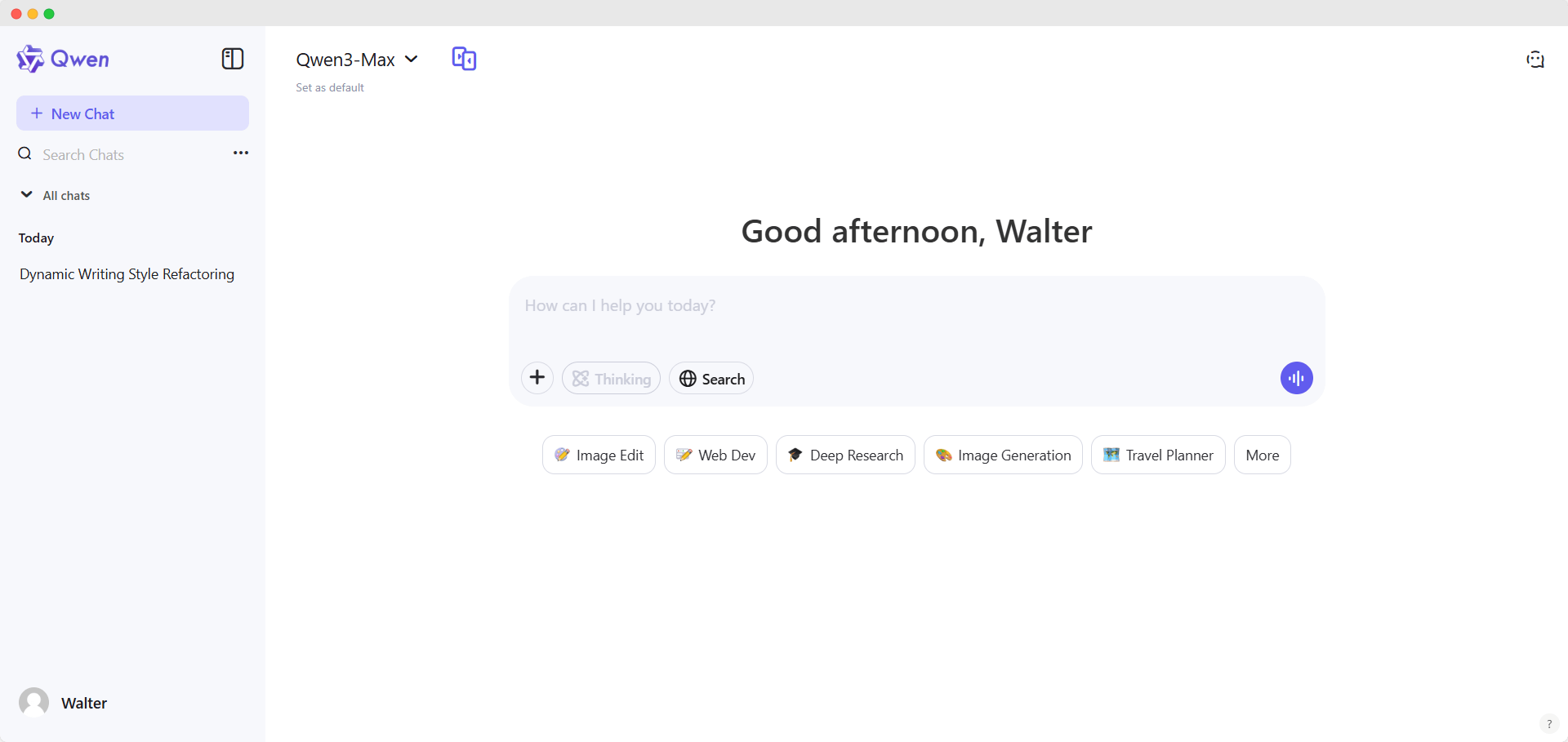
Qwen Chat brings Alibaba’s substantial AI research to the consumer space through an open-source chatbot powered by the Qwen3-Max model.
It offers strong multilingual support, making it particularly valuable for international teams and users working across language boundaries.
The platform handles text, image, and code understanding within the same interface, allowing seamless transitions between different content types.
You can discuss code snippets, analyze images, and draft documents without switching tools or losing conversational context.
Long-Context and Multimodal Reasoning
Qwen’s long-context reasoning capabilities enable it to maintain coherence across extended conversations and lengthy documents.
The “Omni” style streaming inputs/outputs work across modalities, creating a fluid experience whether you’re typing, uploading images, or speaking.
Backed by Alibaba’s extensive infrastructure and research, Qwen benefits from continuous improvements in model architecture, training data, and performance optimization.
The open weights approach allows developers to inspect, modify, and deploy the models according to their specific requirements.
Pricing: Free tier available; API plans for commercial use.
8. Z.ai Chat: Fast, Free, and Focused
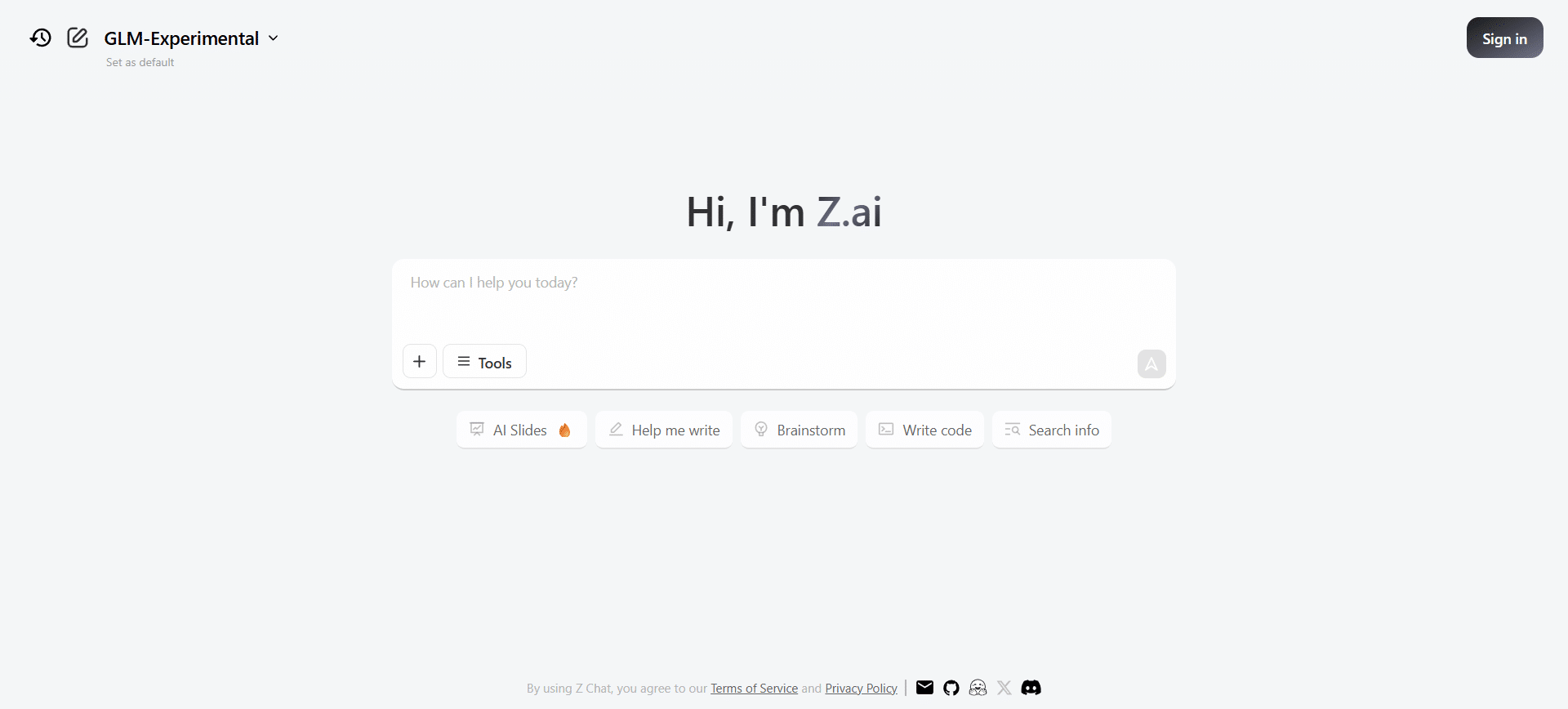
Z.ai Chat runs on the GLM-4.6 and GLM-4.5 models developed by Zhipu AI, offering a streamlined alternative focused on general conversation, writing assistance, and coding support.
Its primary advantage is completely free access with competitive performance—ideal for users seeking capable AI assistance without subscription commitments.
The platform emphasizes speed and efficiency, delivering quick responses without the sometimes sluggish performance found in overloaded free tiers from other providers.
This responsiveness makes it practical for real-time brainstorming and rapid iteration on ideas.
Coding Optimization
Z.ai’s coding capabilities benefit from dedicated optimization in the GLM models, with an optional low-cost coding plan for users who primarily need development assistance.
The model shows competitive benchmark performance compared to its predecessors and some commercial alternatives.
Pricing: Free; optional low-cost plans for enhanced coding features.
9. DeepSeek Chat: Research-Grade Reasoning
DeepSeek Chat built on DeepSeek V3.2 and Coder V2 models focuses squarely on advanced reasoning, mathematics, and coding.
It’s known for transparent architecture and research-grade performance that rivals commercial models in technical benchmarks.
The platform’s strong mathematical and coding performance makes it particularly valuable for STEM students, researchers, and developers tackling complex computational problems.
The longer context window supports extended code reviews and multi-file analysis.
Transparency and Research Updates
DeepSeek maintains transparent research updates and publishes detailed model comparisons, allowing users to understand exactly what improvements each version brings.
This scientific approach appeals to researchers and technical users who value empirical performance over marketing claims.
Pricing: Free tier available; Pro plans for enhanced capabilities.
10. You.com: Privacy-First Search and Chat Hybrid

You.com blends web search with an AI chat interface specifically designed for productivity workflows.
It summarizes search results conversationally, generates images and code, and integrates with popular productivity tools for writing, scheduling, and brainstorming.
The platform’s privacy-forward positioning emphasizes user data protection and transparency—a deliberate counterpoint to advertising-driven search engines.
YouChat provides conversational AI assistance alongside traditional search results, letting you choose the most appropriate information format.
Integrated Creative Tools
You.com includes writing and image generation tools directly in the interface, reducing context switching when moving from research to content creation.
The YouPro subscription unlocks advanced modes and access to multiple custom models, allowing model selection based on specific task requirements.
Ongoing model upgrades continuously improve conversational quality and task-specific performance, with the development team actively incorporating user feedback into feature priorities.
Pricing: Free tier available; YouPro subscription for advanced features.
11. T3 Chat: Budget-Conscious Multi-Model Access
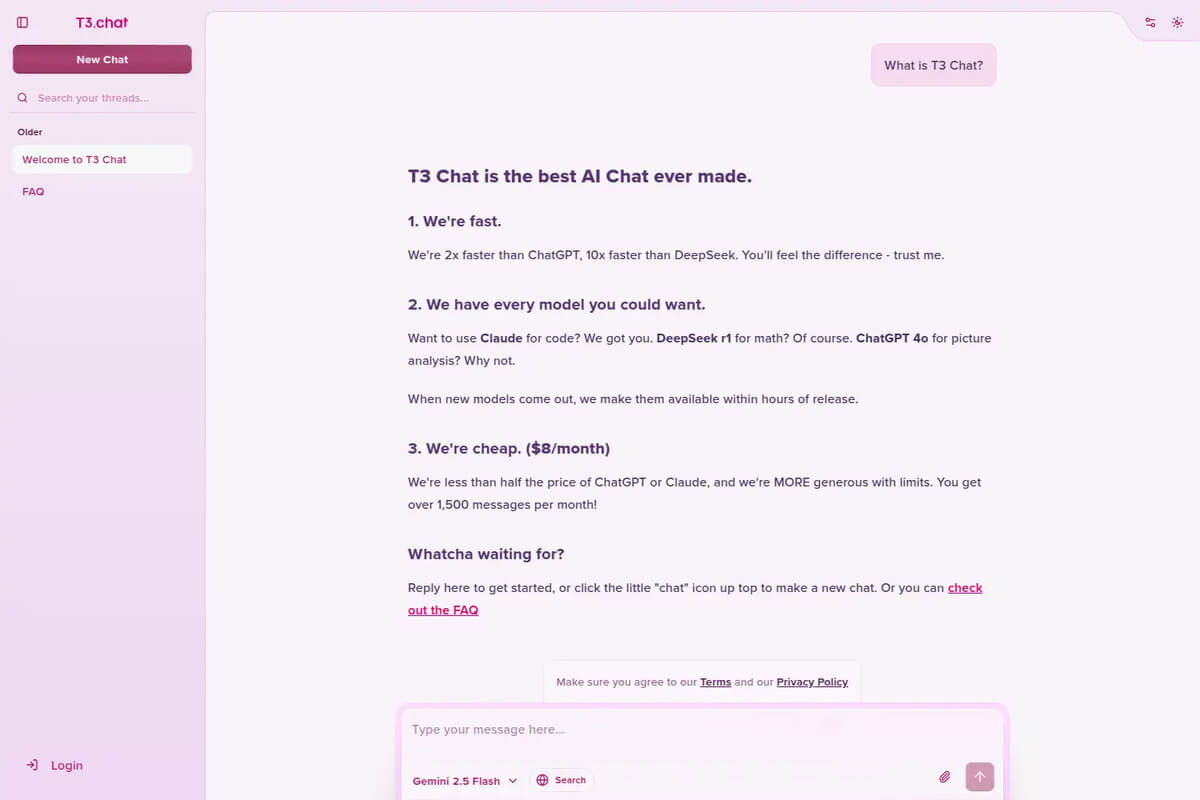
T3 Chat markets itself as the budget-friendly ChatGPT alternative at just $8/month for unlimited usage.
It provides access to GPT-4-level reasoning along with additional tools for text generation, summarization, and brainstorming—a compelling value proposition for individual users and small teams.
The simple interface prioritizes quick switching between top models, allowing users to select the best tool for each task without learning multiple platforms.
This approach works well for generalists who need flexible AI assistance without specialized depth.
No Free Tier Limitation
Unlike most alternatives, T3 Chat doesn’t offer a free tier, which may deter casual users but also ensures consistent performance without the resource constraints that plague oversubscribed free plans.
For $8 monthly, you get unlimited use without the per-query limitations or degraded performance common in freemium models.
Pricing: $8/month for unlimited access; no free tier.
Comparison: Which Alternative Fits Your Needs?
Choosing the right ChatGPT alternative depends on your specific use case, budget, and priorities:
For Research and Accuracy
Perplexity leads when source citations and factual accuracy matter most, while Google Gemini’s Deep Research excels at comprehensive topic investigations.
Both provide search-grounded answers that reduce hallucination risks.
For Coding and Technical Work
Claude 4.5 Sonnet offers the most sophisticated multi-file reasoning and code analysis, while DeepSeek Chat provides strong performance at lower cost.
HuggingChat allows complete customization for specialized technical environments.
For Privacy and Control
HuggingChat allows self-hosting and complete transparency, while You.com emphasizes privacy without requiring infrastructure management.
Both appeal to users uncomfortable with data collection practices of larger commercial providers.
For Enterprise Integration
Microsoft Copilot provides seamless workflow integration for Microsoft 365 environments, while Claude offers robust API access for custom enterprise applications.
Google Gemini works best within Google’s ecosystem.
For Budget Consciousness
Z.ai Chat and You.com offer capable free tiers, while T3 Chat provides unlimited access for just $8/month.
HuggingChat costs nothing if you self-host, though infrastructure expenses vary.
Making Your Decision in 2026
The AI assistant landscape has matured beyond the ChatGPT monopoly into a diverse ecosystem of specialized tools.
Rather than seeking a single “best” alternative, consider which platforms complement your specific workflows, privacy requirements, and budget constraints.
Most alternatives offer free tiers or trials—take advantage of hands-on testing to evaluate conversational quality, response accuracy, and feature fit.
Pay attention to how each platform handles your actual use cases rather than theoretical capabilities listed in marketing materials.
The competitive pressure has dramatically improved AI assistant quality while driving down costs and expanding features.
Whether you’re conducting academic research, building software, managing enterprise workflows, or simply seeking conversational AI assistance, you’ll find purpose-built alternatives that may actually serve you better than ChatGPT.
Which ChatGPT alternative have you tried, and what specific advantages or limitations have you discovered in real-world use?