


Agentic IDEs in 2026: The Complete Developer’s Comparison Guide – Remember when AI coding tools were just glorified autocomplete?
You’d type a function name and the AI would helpfully suggest the rest of the line, like a slightly psychic rubber duck.
That was three years ago.
In 2026, the bar has moved considerably higher, and if you haven’t caught up, you’re basically still using a horse-drawn carriage while everyone else is in a Tesla arguing with Autopilot.
Agentic IDEs are the current state of the art.
These aren’t tools that suggest code — they’re tools that plan tasks, read your entire codebase, write files, run terminal commands, catch their own errors, and fix them.
You describe what you want built, and the agent goes and builds it.
Which sounds amazing, until you realize you now have to babysit an AI instead of writing code yourself. Progress.
TL;DR
Hide- Agentic ≠ autocomplete. A tool only qualifies as agentic if the AI can reason across multiple files, use real tools like the terminal and file system, and recover from errors without you prompting it at every step.
- Cursor and Windsurf lead the dedicated IDE category — Cursor for its multi-repo reasoning and VS Code familiarity, Windsurf for its automatic context loading in large codebases.
- Free options are genuinely capable. Google Antigravity, Trae, Cline, Roo Code, PearAI, and Aider all offer real agentic features at zero platform cost — you either pay nothing or only pay your API provider.
- If you don't want to switch editors, you probably don't have to. GitHub Copilot Workspaces and JetBrains Junie bring agentic features into the ecosystems where many teams already live.
- The BYOK route gives you the most flexibility. Extensions like Cline and Roo Code let you choose your model, control your costs, and stay inside VS Code — the trade-off is setup time and occasional rough edges.
- Claude Code is the tool for hard problems, not high volumes. Its multi-step reasoning depth makes it strong for complex, ambiguous tasks — but its usage-based pricing adds up fast on routine work.
- The gaps between tools are closing fast. Pick two or three candidates and test them on a real project — any comparison table, including this one, will be partially outdated within a few months.
This guide breaks down the best agentic IDEs in 2026, what makes each one worth your attention, and — perhaps more usefully — which category of developer will actually get the most out of each one.
What Makes an IDE “Agentic”?

Not every tool slapping “AI” in its marketing qualifies.
The word has been applied to everything from basic syntax highlighting to full multi-agent systems, which makes it only slightly less meaningless than “cloud-native” or “next-gen.”
An IDE earns the label “agentic” when its AI can do several things without you holding its hand at every step.
It needs to reason across multiple files and directories, not just the one you have open.
It needs to use real tools — the file system, the terminal, a search index — rather than just predicting tokens.
And it needs to recover from mistakes on its own, re-reading output, detecting errors, and correcting course without waiting for you to paste the error message back to it.
That’s the actual bar.
Autocomplete doesn’t clear it.
A chatbot that suggests code snippets doesn’t clear it.
The tools below clear it, each in their own way and with their own trade-offs.
Dedicated Agentic IDEs

The most fully realized agentic tools are purpose-built environments — standalone editors built from scratch, or VS Code forks where the AI is woven into the architecture from day one rather than bolted on afterward.
These are the right starting point for most developers, especially if you’re new to agentic development and want a polished experience without spending a weekend configuring API keys and extensions.
Cursor
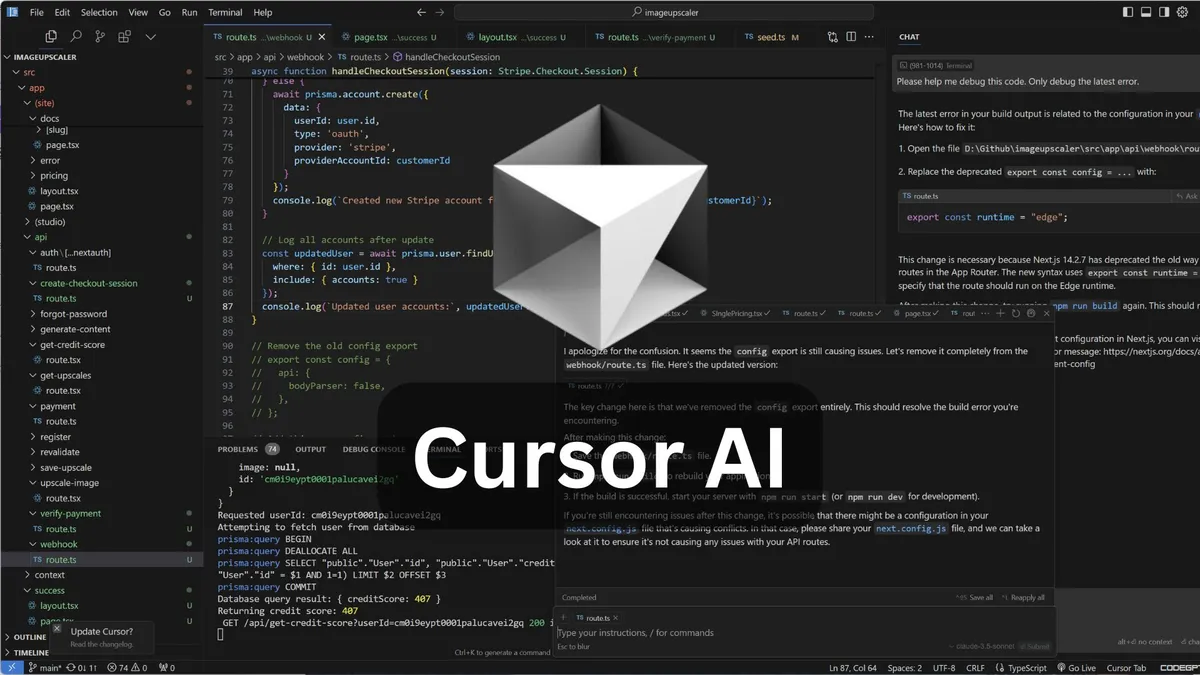
Cursor is the name that comes up first in almost every conversation about agentic IDEs, and it’s earned that position.
Built on VS Code by Anysphere, it inherits everything you already know — your extensions, your keybindings, your muscle memory — and adds codebase-wide reasoning on top of it.
The key word there is “codebase-wide.” Cursor doesn’t just understand the file you have open; it understands the project.
Recent versions extended this to multi-repo reasoning, which matters if you work on systems spread across several repositories.
For developers already living in VS Code, Cursor is the lowest-friction entry point into this space.
You lose almost nothing from your existing setup and gain an agent that can handle multi-step feature work without you narrating every move.
- Best for: VS Code developers who want agentic capabilities without relearning an editor.
- Pricing: Free tier available; paid plans for heavier usage.
Windsurf
Windsurf, from Codeium, is aimed squarely at large codebases and engineering teams that work in monorepos.
Its standout feature is Cascade, an automatic context-loading system that figures out which files and modules are relevant to your current task and loads them without you having to specify anything.
In a large monorepo where “related files” could mean dozens of modules across nested directories, that automatic loading is the difference between an agent that stays on task and one that confidently rewrites the wrong thing.
Windsurf handles the cognitive overhead of context so you don’t have to.
- Best for: Teams working in large codebases where context management is a real problem.
- Pricing: Free tier available; paid plans for teams.
AWS Kiro
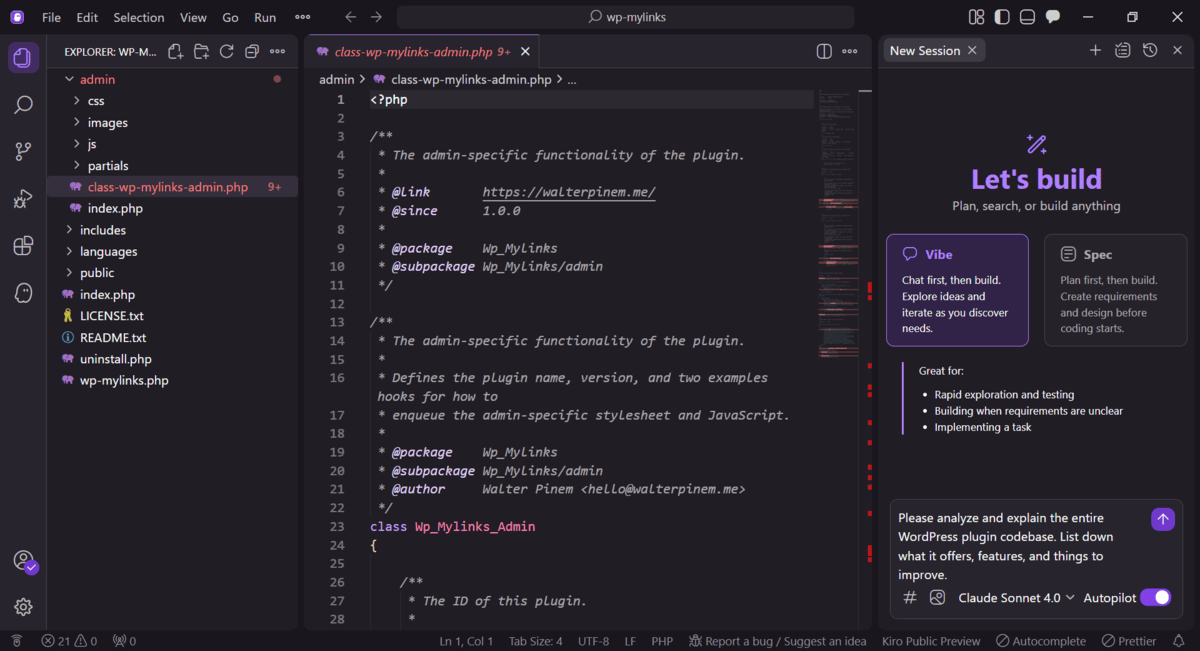
Kiro takes a different philosophical stance from basically everything else on this list.
Rather than a freeform agent that responds to whatever you ask, Kiro uses specs — structured documents that define what needs to be built — and hooks that determine when agents act and under what conditions.
The result is more deliberate.
Code produced through Kiro is reproducible, testable, and documented by design rather than as an afterthought.
It’s still in preview as of 2026, so it’s not a tool you’d bet a production deadline on yet, but the direction is interesting.
- Best for: AWS-native teams who care deeply about reproducibility and documentation.
- Pricing: Currently free in preview.
Google Antigravity
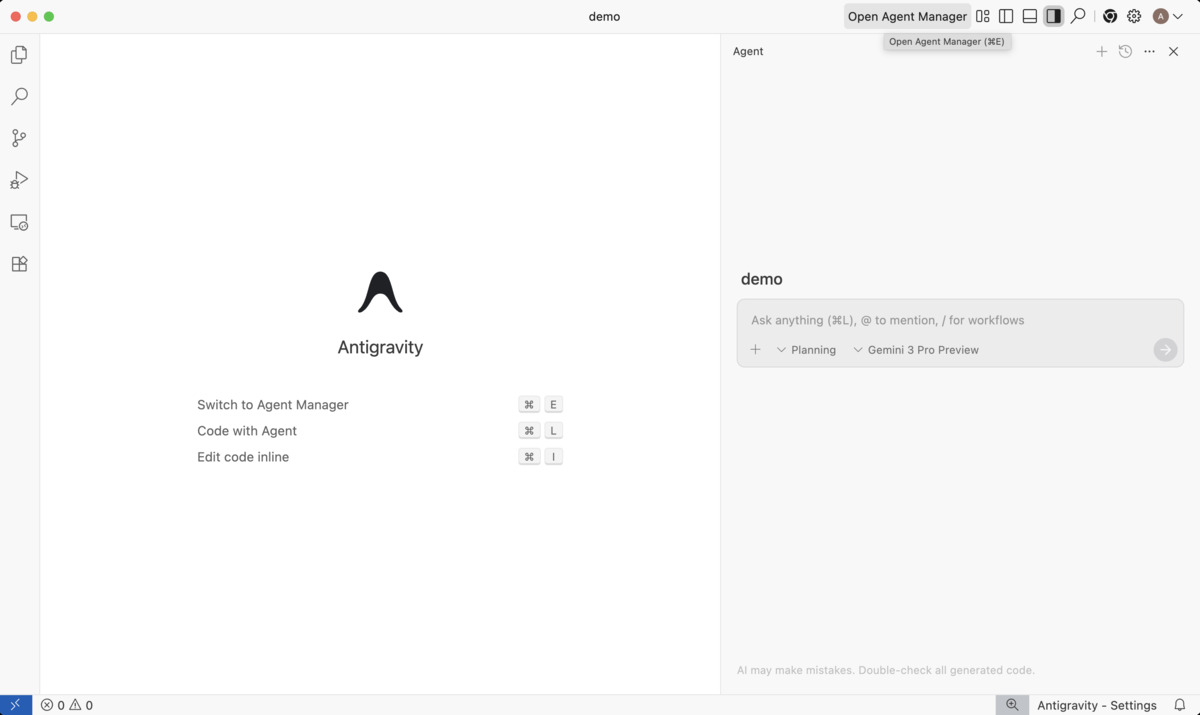
Antigravity takes the multi-agent concept literally.
Instead of one AI working through your task sequentially, it can run several agents in parallel, each operating in their own workspace on a different part of the problem.
The framing shifts from “AI coding assistant” to something closer to “AI development team,” which is either exciting or unsettling depending on your disposition.
It’s currently free, which makes it one of the most accessible entry points for developers who want to explore agentic development without paying to do so.
- Best for: Learners, explorers, and developers who want to experiment with multi-agent workflows at zero cost.
- Pricing: Free.
Trae
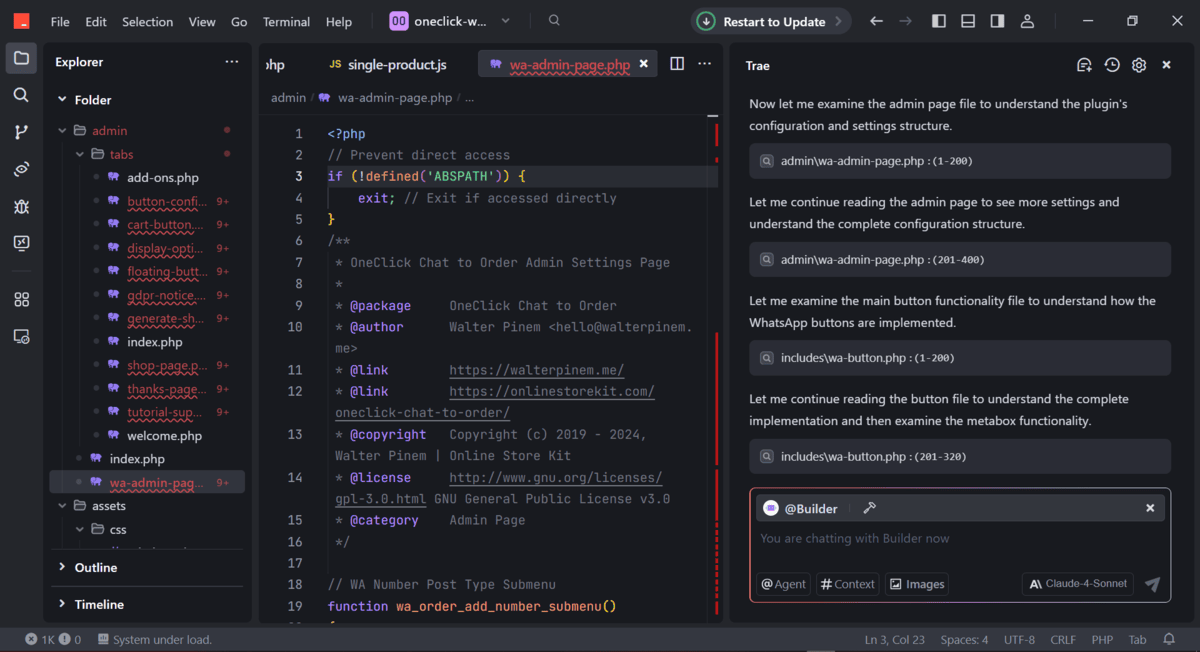
Trae, from ByteDance, entered the market positioned as a direct alternative to Cursor and Windsurf — same category, fully free.
It’s a standalone VS Code-based IDE with an open agent framework, smart tool integration, and some genuinely useful quality-of-life features like automatic dependency detection.
When it notices you’re importing a Python library that isn’t installed in your environment, it installs it.
Without you asking.
Which is either convenient or slightly alarming, depending on how much you like being in control of your own environment.
- Best for: Learners and budget-conscious developers who want a full-featured agentic IDE without a subscription.
- Pricing: Free.
PearAI
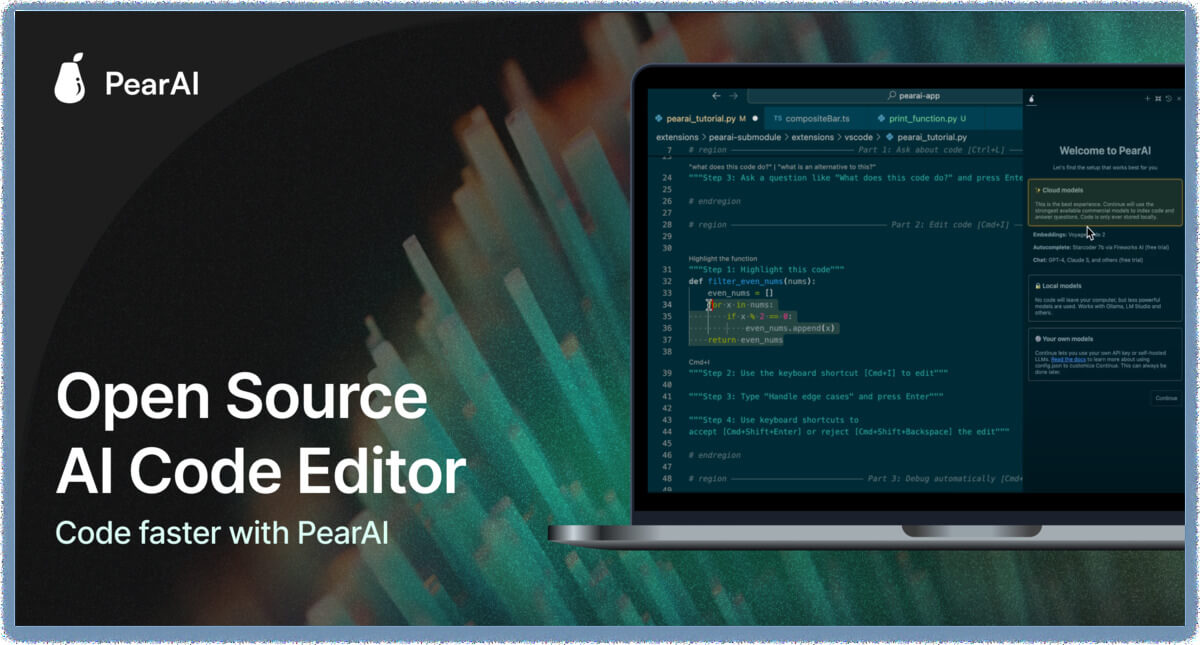
PearAI is the open-source answer to Cursor: a fully open VS Code fork you download and install like any other editor.
The differentiator is the pricing model — instead of a platform subscription, you bring your own API keys and pay only for the tokens you actually use.
That BYOK (bring your own keys) approach gives you cost transparency and model flexibility, which matters if you have strong opinions about which model you want running under the hood.
- Best for: Open-source advocates who want a polished dedicated IDE without paying a platform fee.
- Pricing: Free to use; you pay your API provider directly.
Zed
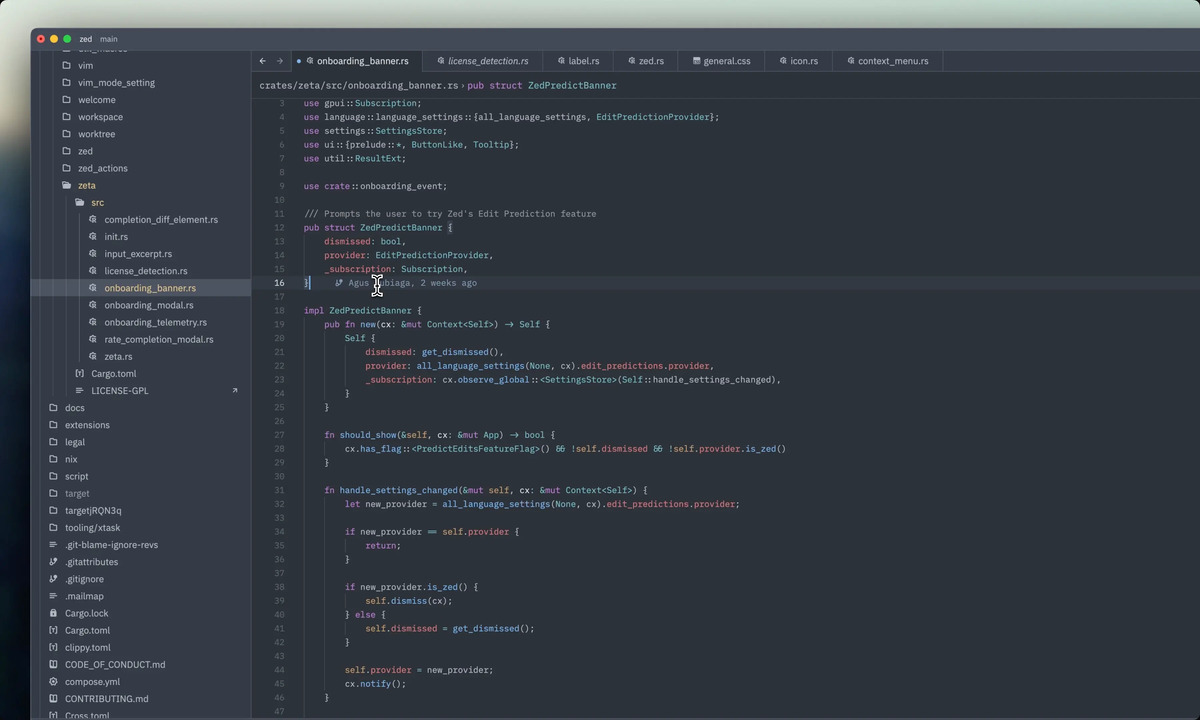
Zed was built in Rust specifically because its creators had opinions about how slow and bloated Electron-based editors had become.
VS Code is excellent, but it is not exactly a featherweight application, and Zed’s performance profile is genuinely different — faster startup, lower memory usage, snappier editing.
It’s been rapidly integrating AI and agentic workflows, though it’s not yet as fully agentic as purpose-built tools like Cursor.
The trajectory is clear.
For developers who want a performant editor without trading away modern AI capabilities, Zed is worth benchmarking.
- Best for: Performance-focused developers who find VS Code’s resource usage genuinely annoying.
- Pricing: Free; paid plans available.
Native Ecosystem Integrations
Not everyone wants to switch editors, and for developers deeply embedded in existing toolchains, they probably shouldn’t have to.
These tools bring agentic capabilities directly into the environments you’re already using.
The trade-off compared to dedicated tools is that the AI is working within the constraints of a pre-existing IDE architecture rather than one designed around it.
But for the right teams, that trade-off is worth it.
GitHub Copilot (Agent Mode + Workspaces)
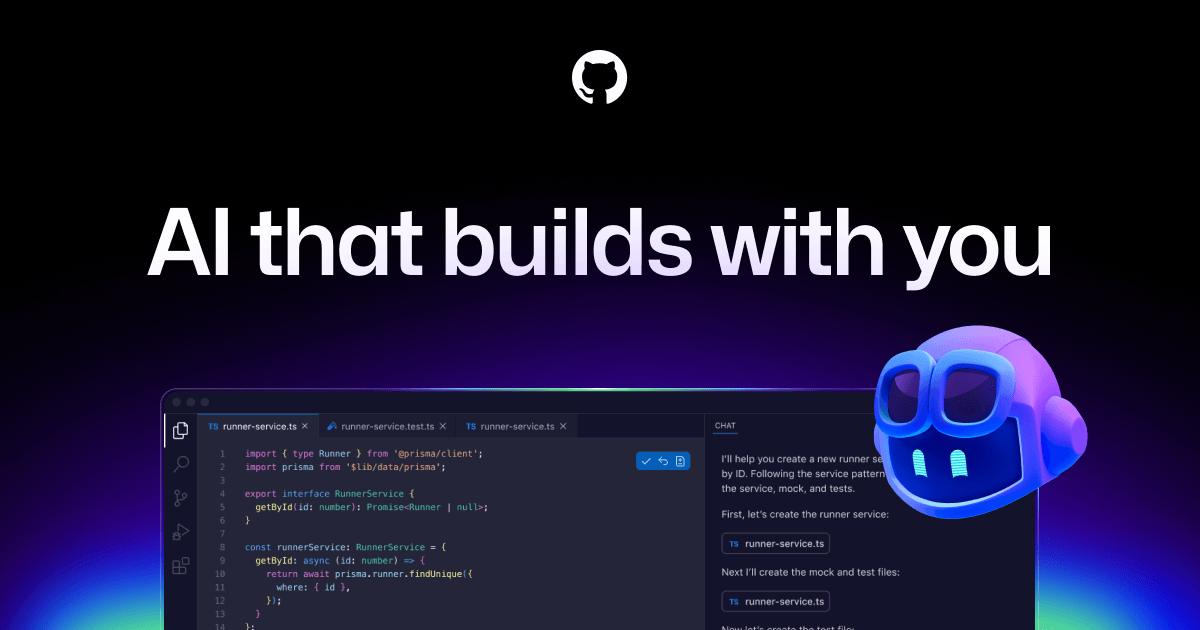
GitHub Copilot is still the most widely deployed AI coding tool in the world, largely because GitHub is where most teams already live and the integration is frictionless for anyone on a Microsoft or GitHub plan.
The more interesting development in 2026 is Copilot Workspaces — a browser-based, repo-wide planning environment that connects directly to GitHub issues and pull requests.
You start from a GitHub issue, the agent generates a plan, and you end up with a branch containing AI-generated code changes.
That’s meaningfully more agentic than in-editor autocomplete, and it’s worth distinguishing from the standard Copilot experience, which is still catching up to purpose-built tools in multi-step reasoning.
- Best for: Teams already on GitHub and Microsoft 365 who want the lowest-friction path to agentic features.
- Pricing: Per-user subscription; included in some GitHub plans.
JetBrains Junie
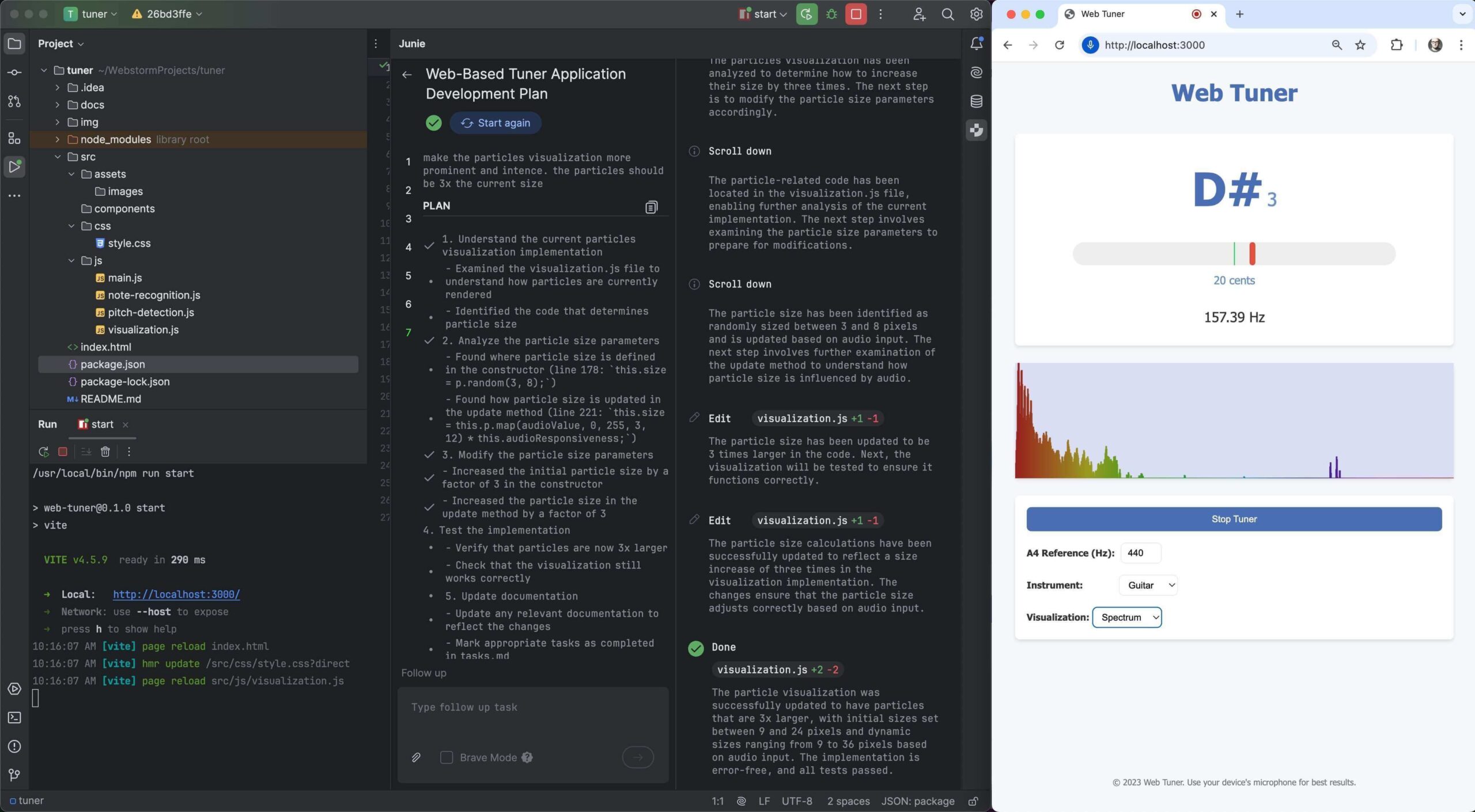
Junie brings agentic capabilities to IntelliJ IDEA, PyCharm, WebStorm, and the rest of the JetBrains family.
If you’re already invested in JetBrains tooling — and many enterprise Java and Python developers are — Junie is the obvious move.
It slots into an existing workflow rather than replacing it.
Its integration with JetBrains’ existing code analysis gives the AI a mature, project-aware foundation to work from.
It’s not trying to reinvent your IDE; it’s trying to make it smarter.
- Best for: Developers already using JetBrains IDEs who don’t want to switch editors.
- Pricing: Included in JetBrains subscriptions.
BYOK Extensions for VS Code
If you’d rather not adopt a new editor at all, you can turn your existing VS Code installation into a capable agentic environment using open-source extensions.
You bring your own API keys, choose your own model, and pay only for what you use.
It’s the most flexible and cost-transparent option on this list.
The trade-off is setup time and the occasional rough edge that comes with open-source tooling.
But if you’re comfortable with that, the BYOK route gives you a lot of control.
Cline
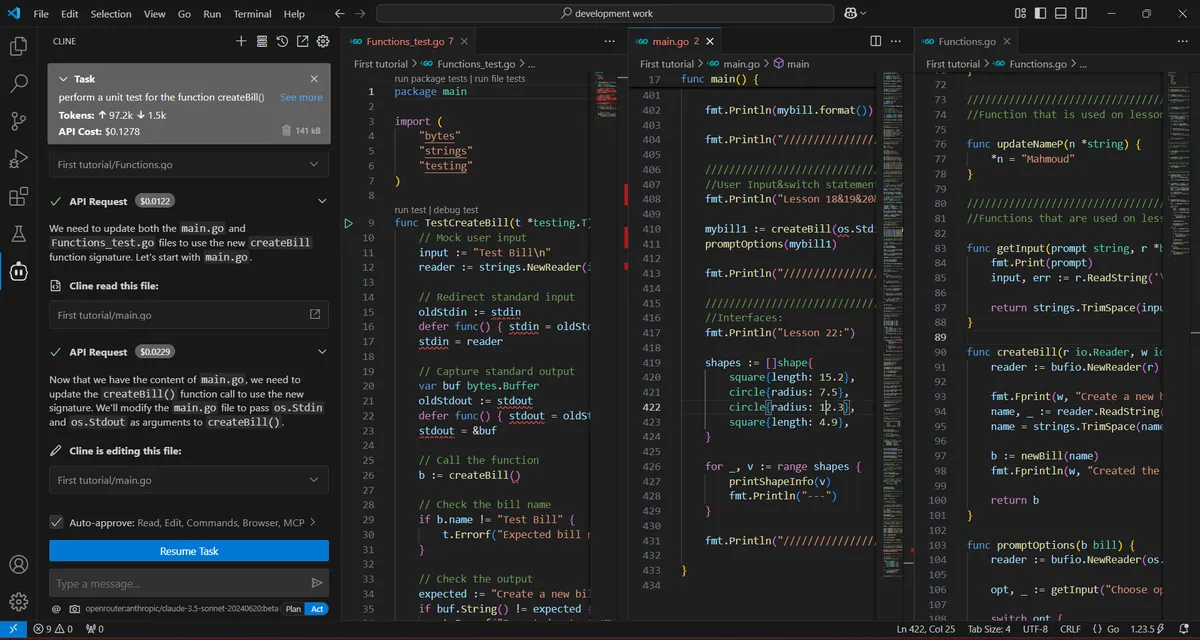
Cline — formerly Claude Dev — is the most popular open-source coding agent running inside VS Code right now.
It does the real agentic stuff: multi-step task planning, terminal usage, file creation and editing across the project.
And it does all of it while remaining model-agnostic, so you can connect it to Anthropic’s Claude, OpenAI’s models, or a local model running on your own hardware.
Given that it works well with Claude’s API, it pairs naturally with the kind of work covered in the Getting Started with Anthropic Claude API guide — useful context if you want to understand what’s happening under the hood rather than just pointing Cline at a task and hoping for the best.
- Best for: VS Code developers who want agentic capabilities without being locked into any one model vendor.
- Pricing: Free; you pay your API provider.
Roo Code
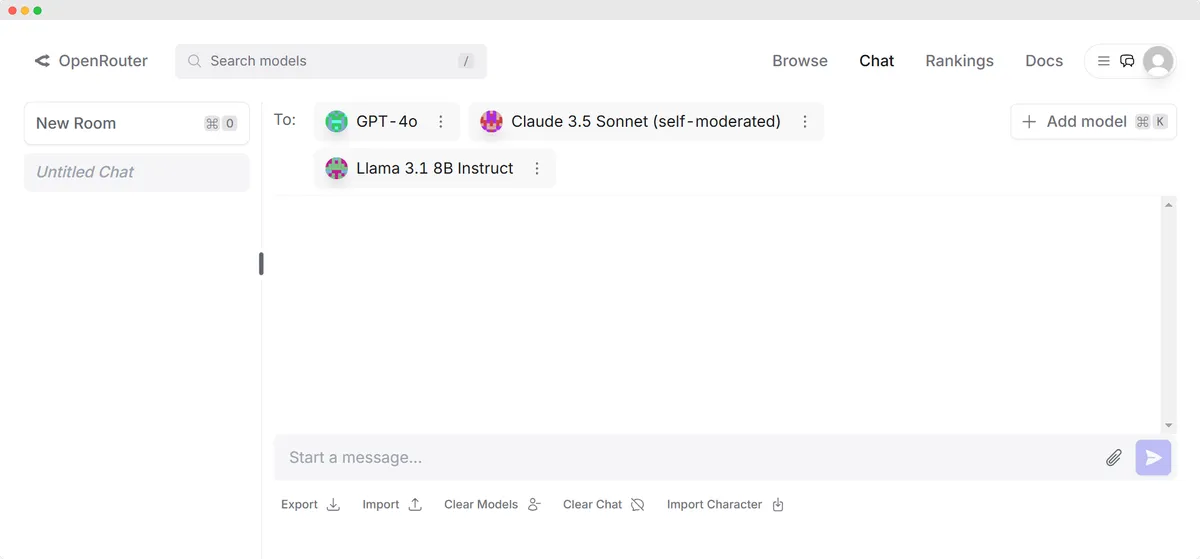
Roo Code is a Cline fork that took a different design direction.
Instead of one general-purpose agent, you get a configurable set of personas — Coder, Architect, Debugger — each suited to a different kind of task.
It’s the same BYOK model as Cline, with more structure around how the AI approaches different work.
If you’ve used Cline and found yourself wanting more control over how the agent behaves for different task types, Roo Code is the natural next step.
- Best for: Power users who want fine-grained control over how their agent approaches different tasks.
- Pricing: Free; you pay your API provider.
Terminal-First Agents
For developers who have strong opinions about staying in the terminal and never opening a new GUI, there’s a category of agentic tools that doesn’t require one.
These tools run entirely in your terminal and work alongside whatever editor you already use.
It’s a niche category, but the people who belong in it know exactly who they are.
Claude Code
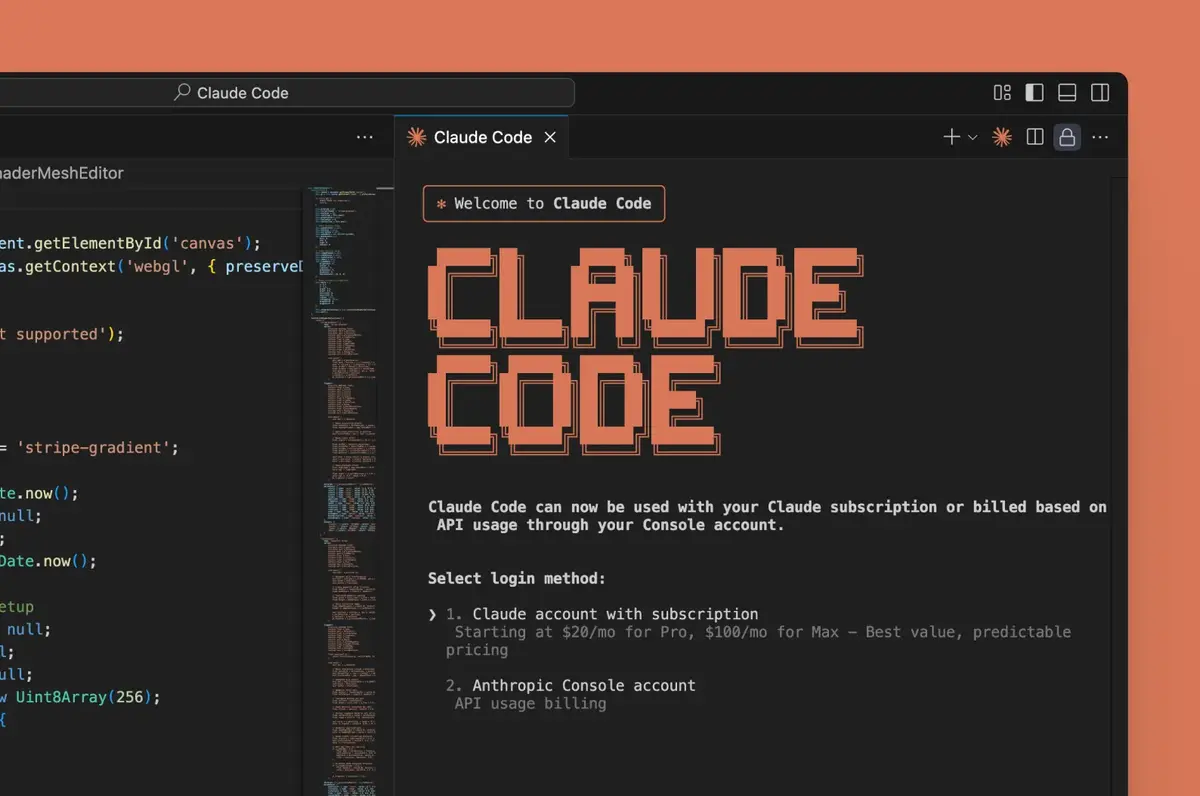
Claude Code is Anthropic’s CLI-based coding agent, and it occupies a specific niche: hard problems.
Untangling subtle bugs, reasoning about an unfamiliar codebase, making architectural decisions that require understanding how different parts of a system interact.
These are the scenarios where Claude Code’s multi-step reasoning genuinely shows.
It’s worth knowing how the underlying API works before you start relying on it heavily.
The Anthropic Claude API guide gives you a solid foundation, and if you want to test model behavior programmatically, the GPT-5 API testing approach with Streamlit shows a pattern you can adapt for Claude’s endpoints too.
One practical note: Claude Code is more expensive per task than most alternatives.
For high-volume routine work, that adds up.
For complex, high-stakes problems where getting it right matters more than keeping costs down, most developers find it worth the cost.
- Best for: Developers tackling complex, multi-step reasoning tasks where accuracy matters more than throughput.
- Pricing: Usage-based; tends toward the higher end of the cost spectrum.
Aider

Aider is the open-source standard for terminal-based AI pair programming.
There’s no IDE to install.
You run it from your terminal, it works alongside whatever editor you already use — Vim, Emacs, Zed, anything — and it integrates with Git, committing changes as it goes.
For developers who live in the terminal and have no interest in adopting a new interface, Aider offers genuine agentic capabilities at zero platform cost.
The community is active and the tool is mature enough for real work.
- Best for: Terminal-native developers with strong editor preferences who want agentic features without a new GUI.
- Pricing: Free; BYOK.
Agentic IDEs Compared
Here’s a quick reference across all 13 tools:
| Tool | Category | Best For | Key Strength | Pricing |
|---|---|---|---|---|
| Cursor | Dedicated IDE | VS Code developers | Multi-repo codebase reasoning | Free + paid |
| Windsurf | Dedicated IDE | Large codebases | Cascade auto-context loading | Free + paid |
| AWS Kiro | Dedicated IDE | AWS-native teams | Spec-driven, reproducible workflow | Preview (free) |
| Google Antigravity | Dedicated IDE | Learners, exploration | Multi-agent parallel workspaces | Free |
| Trae | Dedicated IDE | Budget-conscious devs | Fully free, auto-env setup | Free |
| PearAI | Dedicated IDE | Open-source advocates | Standalone BYOK, open-source | Free (BYOK) |
| Zed | Dedicated IDE | Performance-focused devs | Rust-based speed | Free + paid |
| GitHub Copilot | Native Ecosystem | GitHub/Microsoft teams | Workspaces + deep GitHub integration | Subscription |
| JetBrains Junie | Native Ecosystem | JetBrains users | Native JetBrains integration | JetBrains subscription |
| Cline | BYOK Extension | Model-agnostic VS Code users | Open-source, model-agnostic | Free (BYOK) |
| Roo Code | BYOK Extension | Power users | Multi-persona agent system | Free (BYOK) |
| Claude Code | Terminal-First | Complex reasoning tasks | Multi-step reasoning depth | Usage-based |
| Aider | Terminal-First | Terminal-native devs | Editor-agnostic, Git-native | Free (BYOK) |
How to Pick the Right One?
The honest answer is that the right tool depends almost entirely on how you already work, not on which one scores best in a benchmark.
If you want something polished and managed with minimal setup, start with Cursor or Windsurf.
If you’re locked into JetBrains or the GitHub ecosystem, Junie or Copilot Workspaces will fit without friction.
If cost control matters and you’re comfortable with open-source tooling, Cline or Roo Code give you the most flexibility per dollar.
And if you genuinely prefer the terminal to any GUI, Claude Code or Aider.
One other thing worth keeping in mind: the gaps between these tools are shrinking fast.
A feature that differentiates one tool today might be table stakes across the category in six months.
The best way to form an actual opinion is to pick two or three candidates and run them on a real project, not a toy example.
The comparison table tells you what each tool is built for.
Only real use tells you how it actually feels.
If you’re building your own AI-powered tools on top of these foundations, it’s also worth exploring the broader LLM ecosystem — the ChatGPT alternatives guide and the best vibe coding tools roundup cover adjacent territory that might inform your choices.
Frequently Asked Questions (FAQs)
What’s the difference between an agentic IDE and a regular AI coding assistant?
A regular AI coding assistant suggests code based on what you’re currently writing.
An agentic IDE can plan a multi-step task, read files across your entire project, run terminal commands, and fix its own errors — all without you prompting it at each step.
The agent acts; you review.
Do I need to pay for an agentic IDE?
Not necessarily. Google Antigravity and Trae are fully free.
Cline, Roo Code, PearAI, and Aider are free to use — you pay only for the API tokens consumed by whichever model you connect.
Cursor and Windsurf offer free tiers with usage limits before paid plans kick in.